
The Automations page is a hub: it links to every place where RecurX does something for you automatically. There is no separate workflow builder — each automation is set up on its own page, and this page gets you there in one click. For your own if-this-then-that workflows, RecurX sends events to Shopify Flow, Zapier, n8n and webhooks.
Open Automations
- In your Shopify admin, open Apps → RecurX Subscriptions.
- Click App settings in the sidebar.
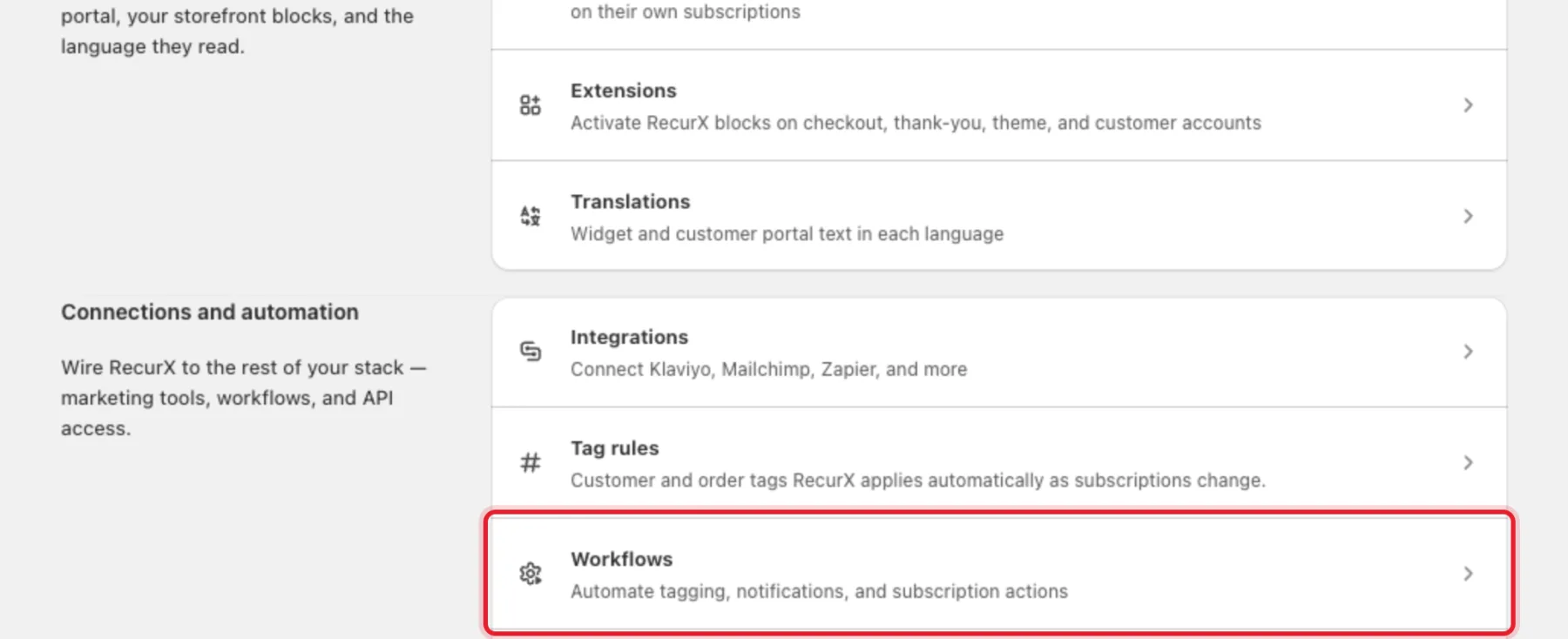
- Under Connections and automation, click Workflows. The page that opens is called Automations.
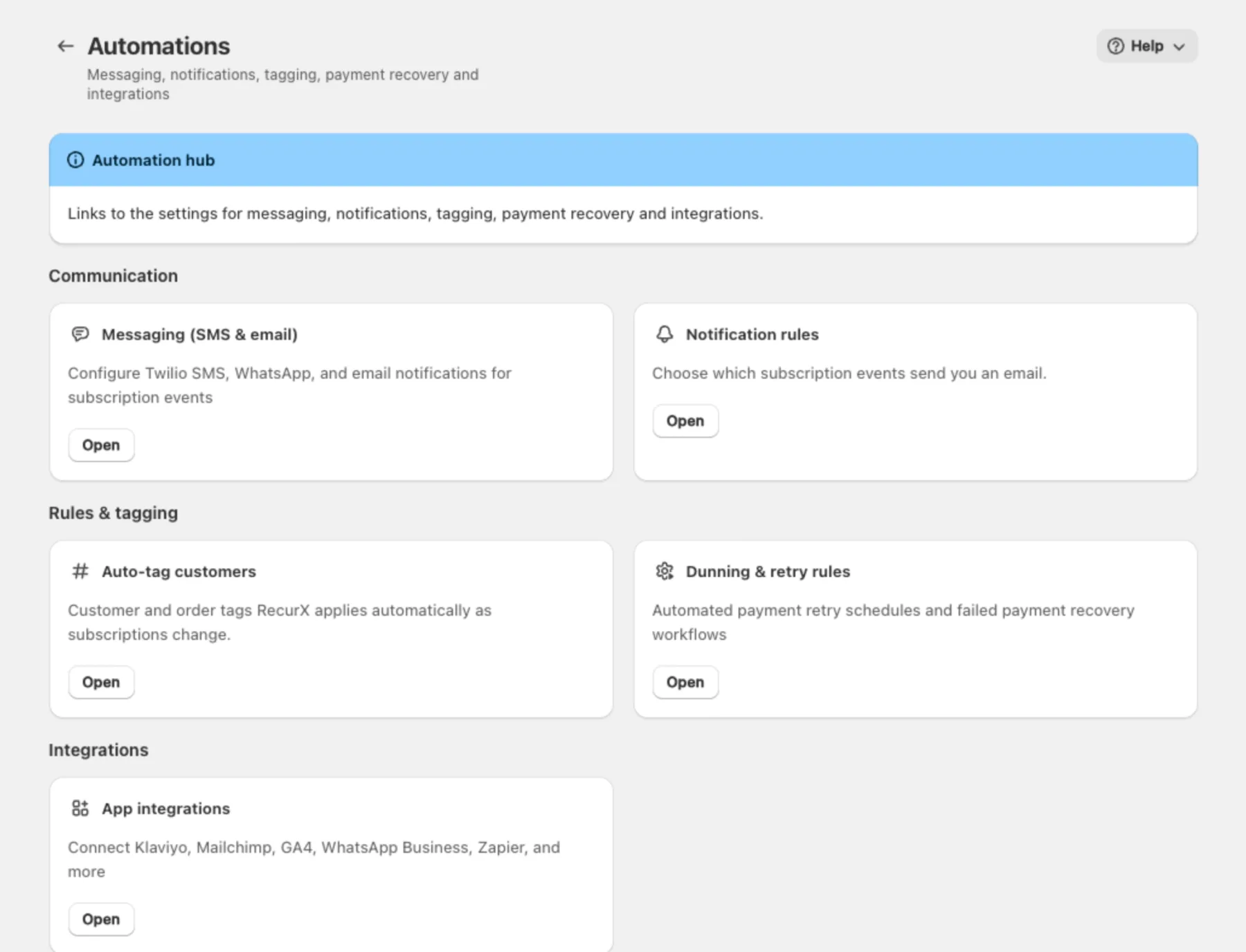
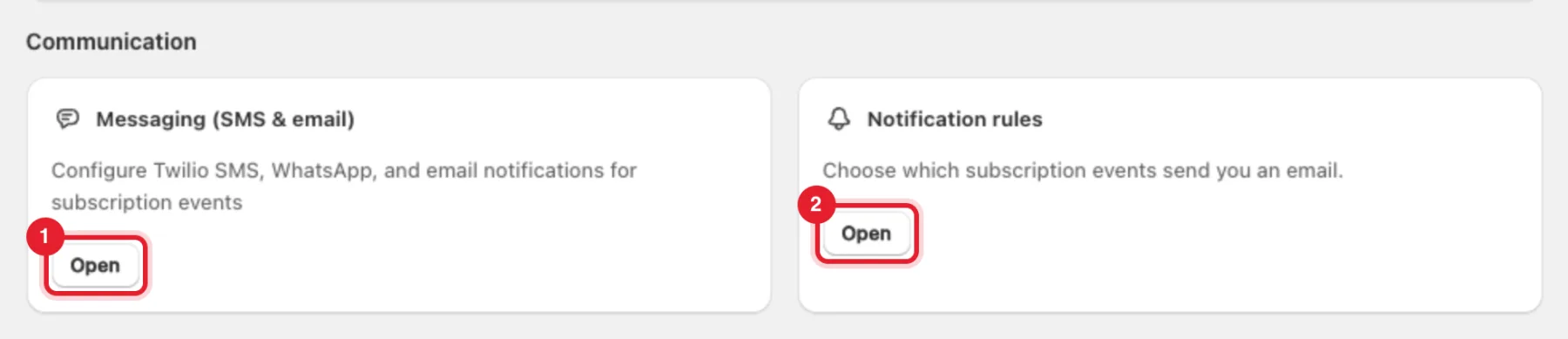
The page has three sections. Click Open on a card to go to that setting.
Communication
- Messaging (SMS & email) — opens Campaigns → SMS, where you write the text message templates and send tests. Twilio SMS and WhatsApp Business themselves are connected on the Integrations page. See SMS & WhatsApp.
- Notification rules — choose which subscription events send you an email. See Notification rules.
Rules & tagging
- Auto-tag customers — the customer and order tags RecurX adds in Shopify as subscriptions change. See Tag rules.
- Dunning & retry rules — opens Retention → Payment recovery, where you set how failed renewal payments are retried. See Payment recovery (dunning).
Integrations
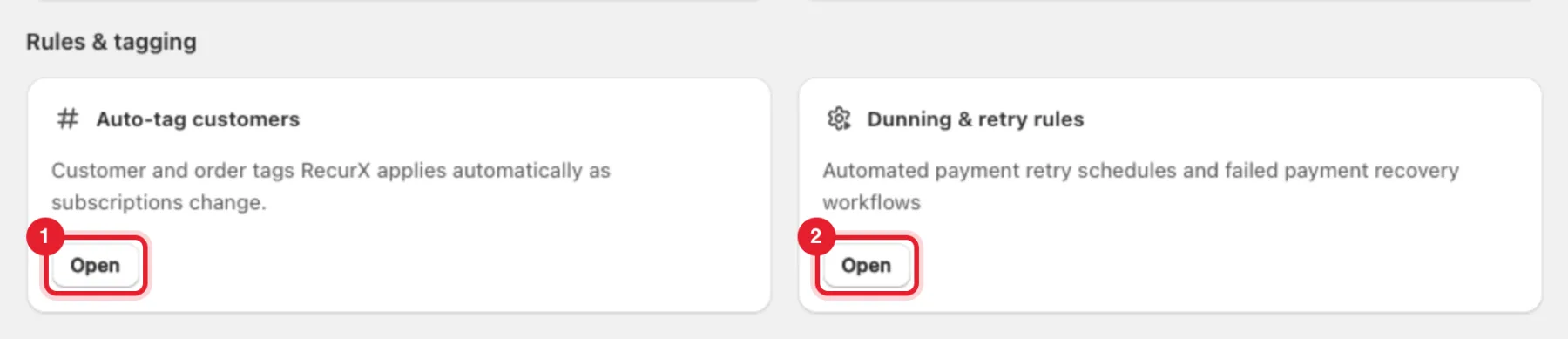
App integrations opens the Integrations page, where you connect Klaviyo, Mailchimp, Google Analytics 4, WhatsApp Business, Zapier and more. See Integrations.
Build your own workflows with Shopify Flow
RecurX adds three triggers to Shopify Flow:
| Trigger | When it fires |
|---|---|
| Subscription contract created | A new subscription starts |
| Payment failed | A renewal payment fails |
| Subscription cancelled | A customer cancels from the classic customer portal |
Each trigger carries the customer and details such as the subscription contract ID, plan name and total price, so a workflow can tag the customer, notify your team or send an email.
- On the Integrations page, find the Shopify Flow card under Automation.
- Click Open Shopify Flow, create a workflow and search for RecurX when you pick the trigger.
Shopify Flow works on every plan.
Note: RecurX has no Flow actions — Flow can't pause, skip or cancel a subscription. For every lifecycle event, including pauses, resumes and successful payments, use Zapier, n8n or an outbound webhook on the Integrations page.
FAQ
Is there a builder for my own rules, like "tag VIP after 6 months"? No. RecurX's own automations are the ones listed on this page. Build custom logic in Shopify Flow, Zapier or n8n from RecurX events.
Can Flow trigger when a subscription is paused? Not directly — there is no pause trigger. Use the customer tag recurx-has-paused-subscription (see Tag rules) or a webhook for subscription.paused.