
General settings holds one setting: how many days before each renewal your subscribers get a reminder email. It takes under a minute to change. The same page is your way into the rest of RecurX's settings.
Step 1: Open General settings
- In your Shopify admin, open Apps → RecurX Subscriptions.
- Click App settings in the sidebar.
- Under Store settings, click General.
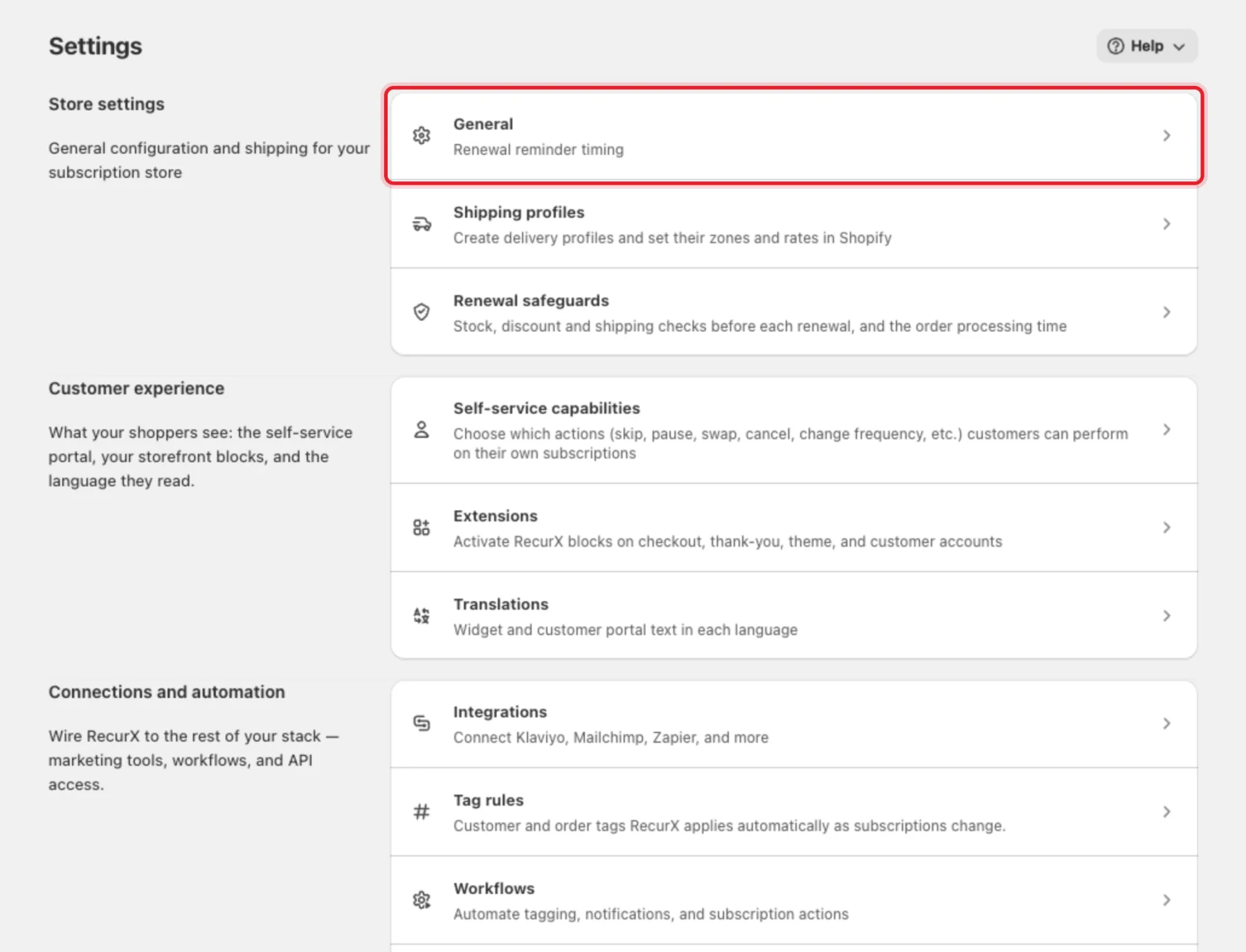
Note: The other rows on this page each have their own guide — for example Shipping profiles, Tag rules, Integrations and API keys.
Step 2: Set the renewal reminder
Under Subscription notifications, enter a number in Days before renewal to notify.
- Any whole number from 0 to 30.
- 0 uses the default of 3 days.
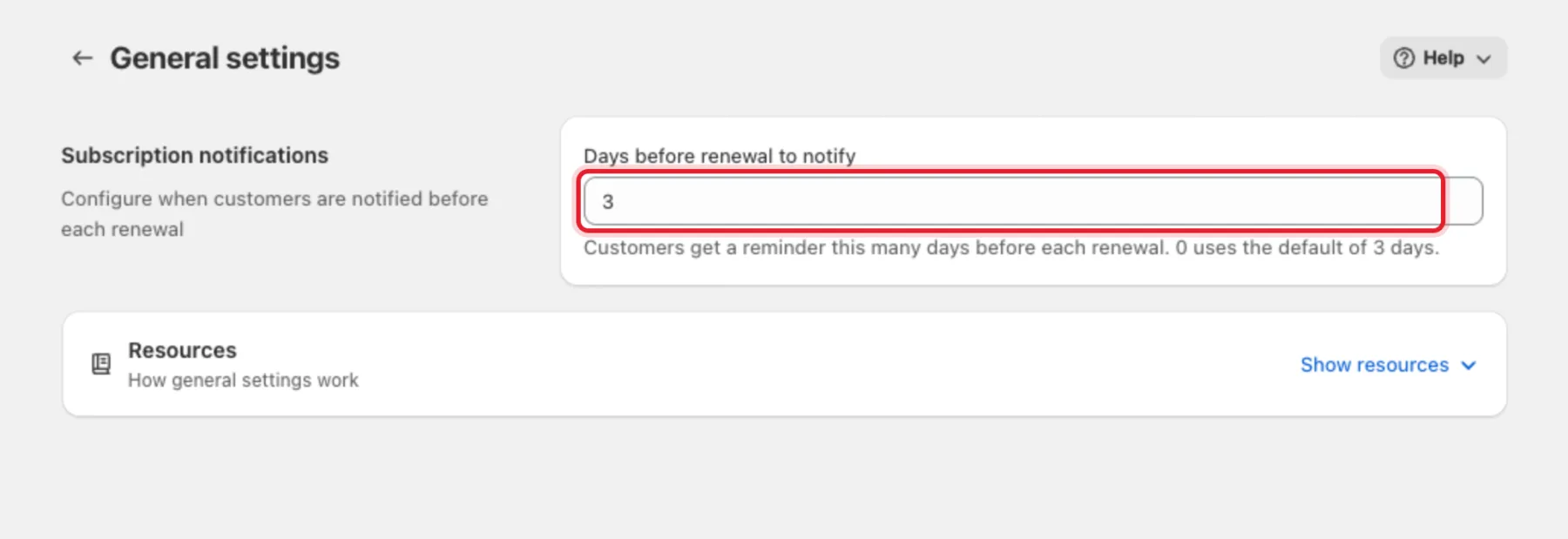
Every active subscriber with an email address gets this upcoming-order email once per renewal. It links to the customer portal, so they can skip, swap or pause before the order is charged.
Tip: On the Pro plan you can give a single plan its own lead time: open the plan and fill in Renewal reminder (days before). Leave it empty to use the store setting from this page.
Note: A text reminder over WhatsApp or SMS is a separate opt-in on the SMS page. See SMS & WhatsApp.
Step 3: Save
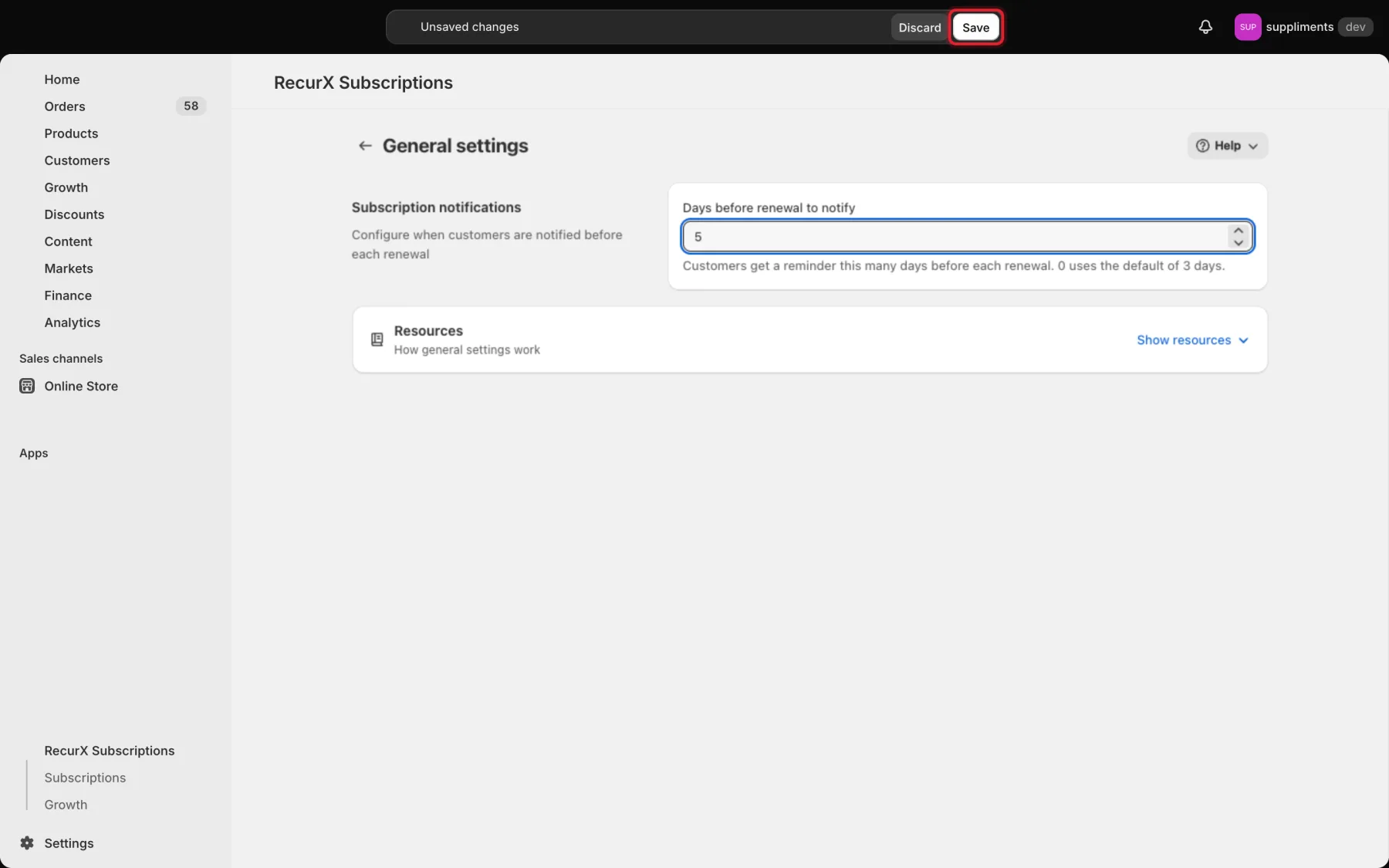
When you change the value, Shopify's save bar appears at the top of the page. Click Save, or Discard to go back to the saved value. RecurX shows Settings saved when it's done.
Troubleshooting
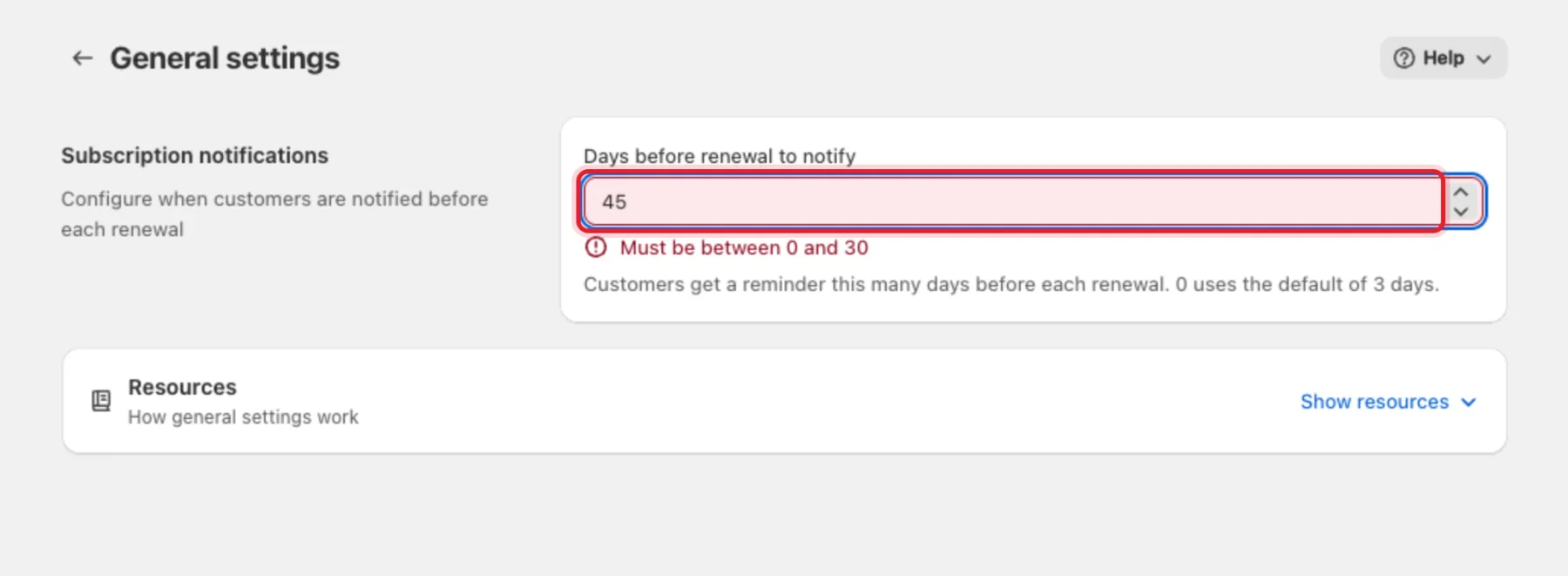
- "Must be between 0 and 30" — the reminder can be sent at most 30 days ahead. Enter a smaller number.
- A subscriber didn't get a reminder — the reminder only goes to active subscribers with an email address on file. Paused and cancelled subscriptions don't get one.