
The Retention page brings together every tool that keeps subscribers from leaving and wins back the ones who did. It shows how your store is doing and which tool to set up next. Open it from your Shopify admin: Apps → RecurX Subscriptions → Retention.
Retention tools summary
The Retention tools card counts how many tools are Active and how many are Not set up. It names the first tool on the list that you haven't turned on yet — click Set up to go straight to it.

Your numbers
The cards under it show:
| Card | What it tells you |
|---|---|
| Monthly churn (last 30 days) | The share of subscribers who left in the last 30 days, with the healthy band (6–10%) for comparison |
| Recovered this month | Payments that succeeded after a failed charge |
| Health score | An overall rating, for example Needs attention |
| Recovery rate (last 12 months) | How many failed payments were recovered |
| Save rate (last 30 days) | How many customers who started to cancel took an offer instead |
| Cancellation reasons (configured) | How many reasons customers can pick from when they cancel |
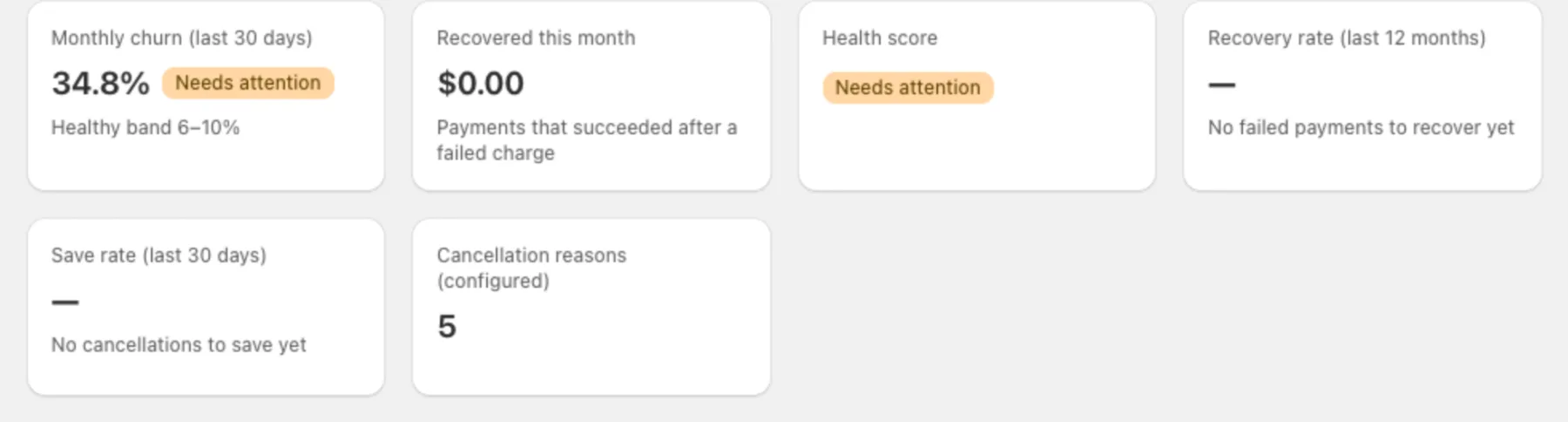
A card shows — until there is data, for example No failed payments to recover yet.
The retention tools
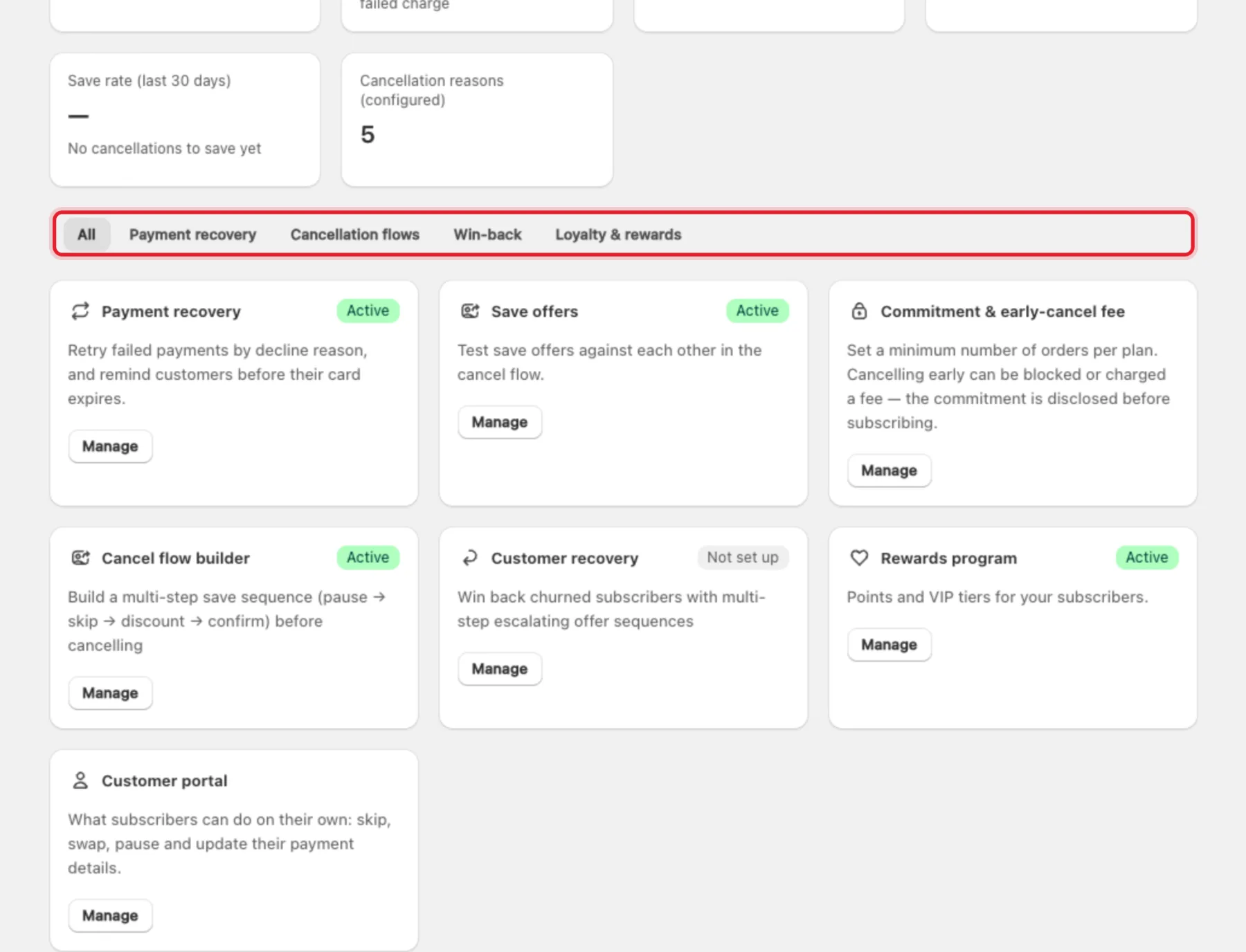
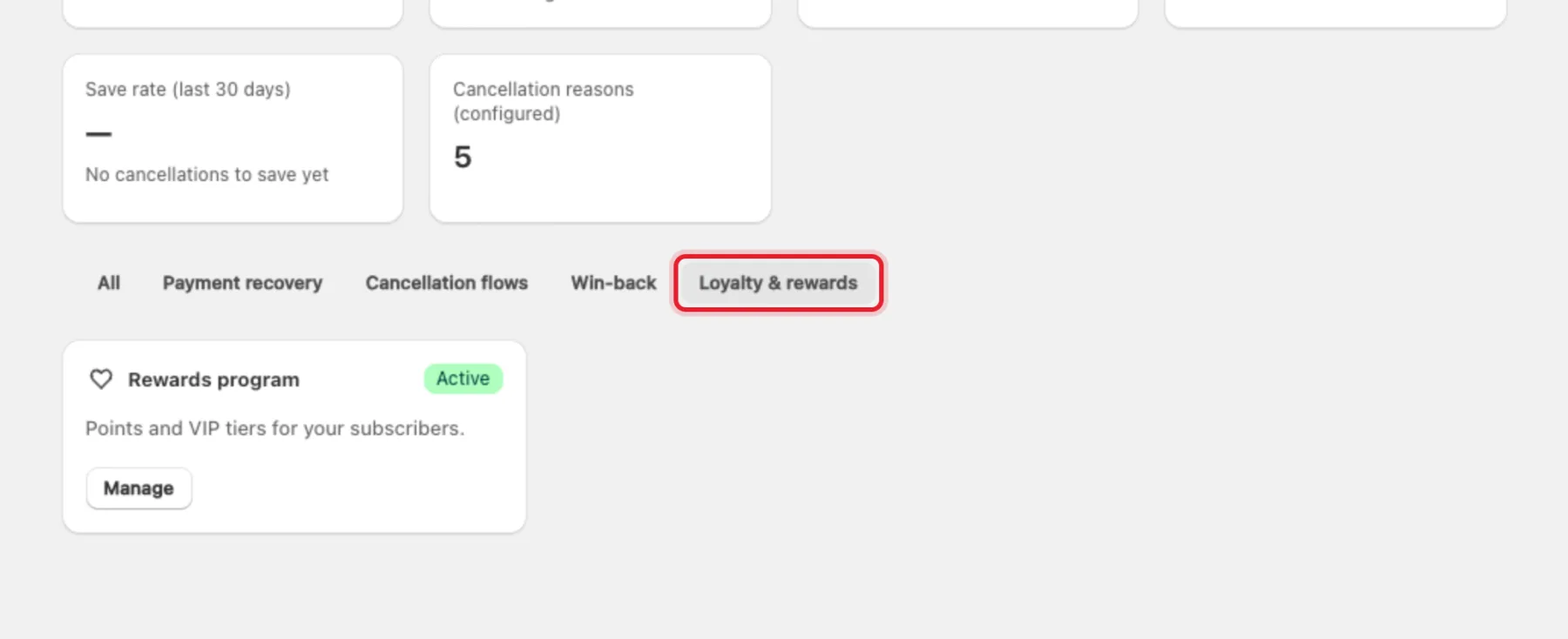
Each tool has a card with its status (Active, Off or Not set up) and a Manage button. Use the tabs — All, Payment recovery, Cancellation flows, Win-back, Loyalty & rewards — to filter the cards.
| Tool | What it does | Guide |
|---|---|---|
| Payment recovery | Retries failed payments by decline reason and reminds customers before their card expires (Rescue Sequences) | Payment recovery |
| Save offers | Tests save offers against each other in the cancel flow | Cancel flow and save offers |
| Commitment & early-cancel fee | A minimum number of orders per plan; cancelling early can be blocked or charged a fee | Create a subscription plan |
| Cancel flow builder | The multi-step save sequence customers see before they cancel | Cancel flow and save offers |
| Customer recovery | Win-back campaigns for subscribers who already cancelled | Win-back campaigns |
| Rewards program | Points and VIP tiers for your subscribers | Loyalty program |
| Customer portal | What subscribers can do on their own: skip, swap, pause and update their payment details | Set up the customer portal |
Plans
The customer portal, payment recovery and commitments work on every plan. Save offers, the cancel flow, win-back and the rewards program are included in the Basic ($29/mo) and Pro ($49/mo) plans. See RecurX billing.
Where to start
- Keep Payment recovery on, so failed renewals are retried.
- Check the customer portal is in your customers' account menu — a subscriber who can skip or pause doesn't need to cancel.
- Review your cancel flow, then test offers in Save offers.
- Add a win-back campaign for subscribers who cancelled.
- Reward long-term subscribers with the loyalty program.